1. Make your Connections
2. Choose a Template
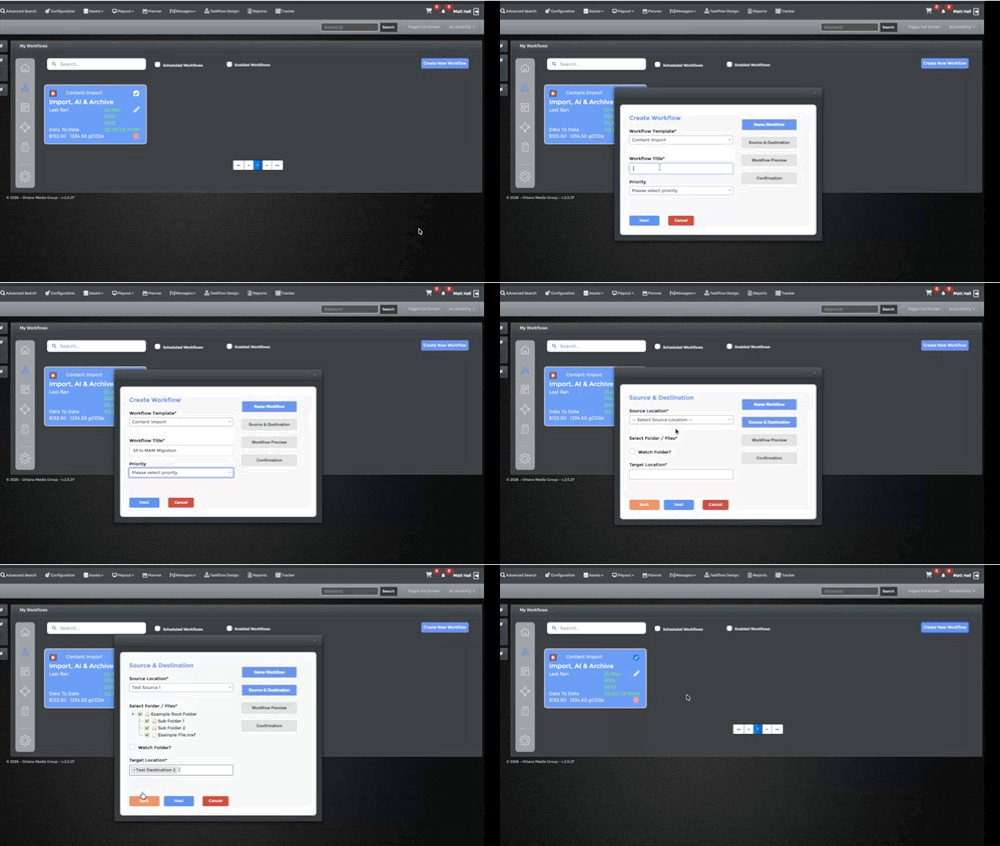
3. Time to Workflow
The Connect Widget removes the complexity of workflow design — giving you pre-built, production-ready workflows for common tasks like content import, data replication, AI indexing and more.
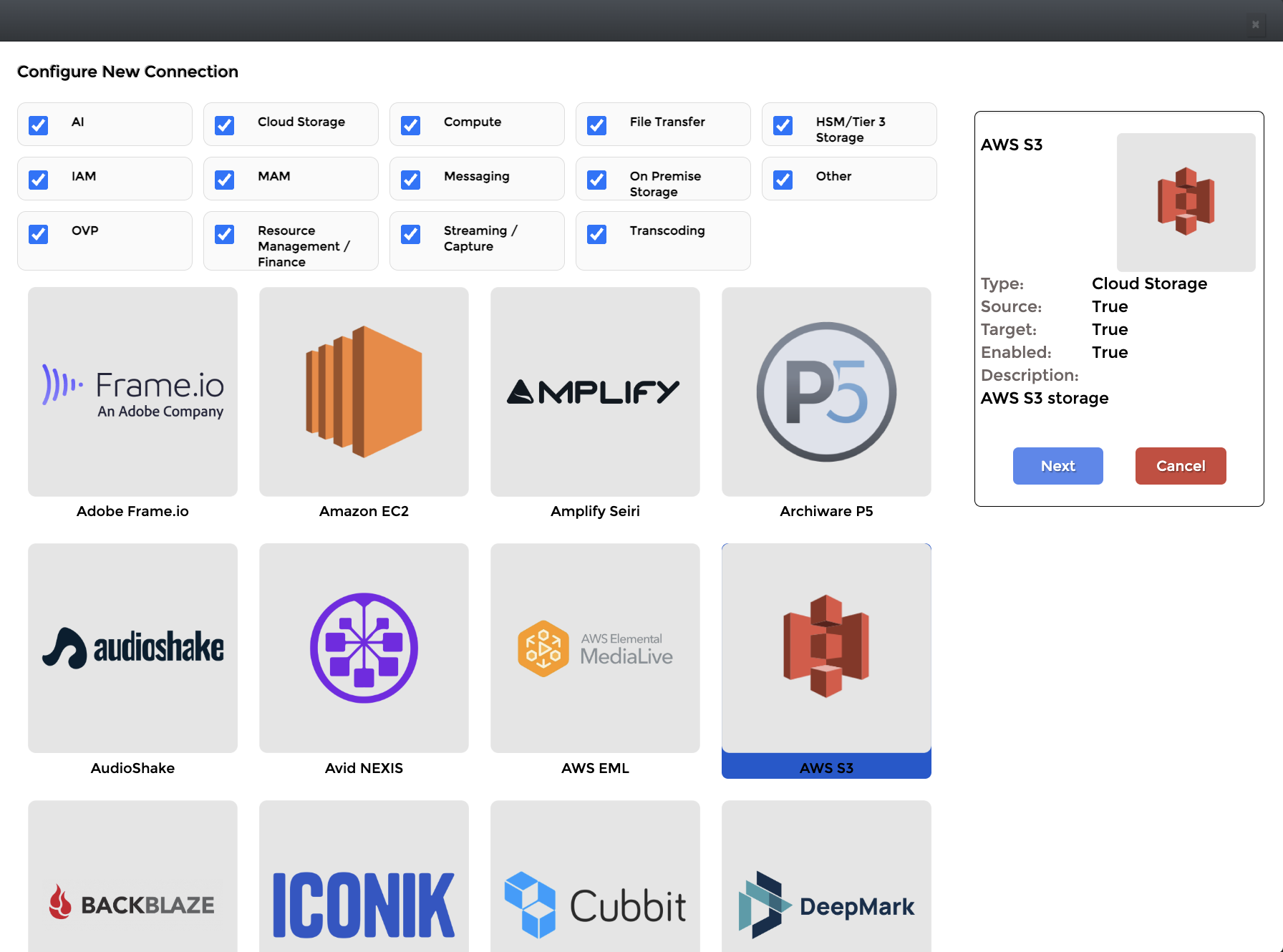
Connect once. Use everywhere.
Configure connections to your systems in minutes — whether on-prem or in the cloud — and reuse them across multiple workflows.
Skip the design phase entirely.
Choose from a growing library of templates for common use cases including content import, migration, replication, provisioning and AI indexing.Each template contains the full workflow logic — ready to run.
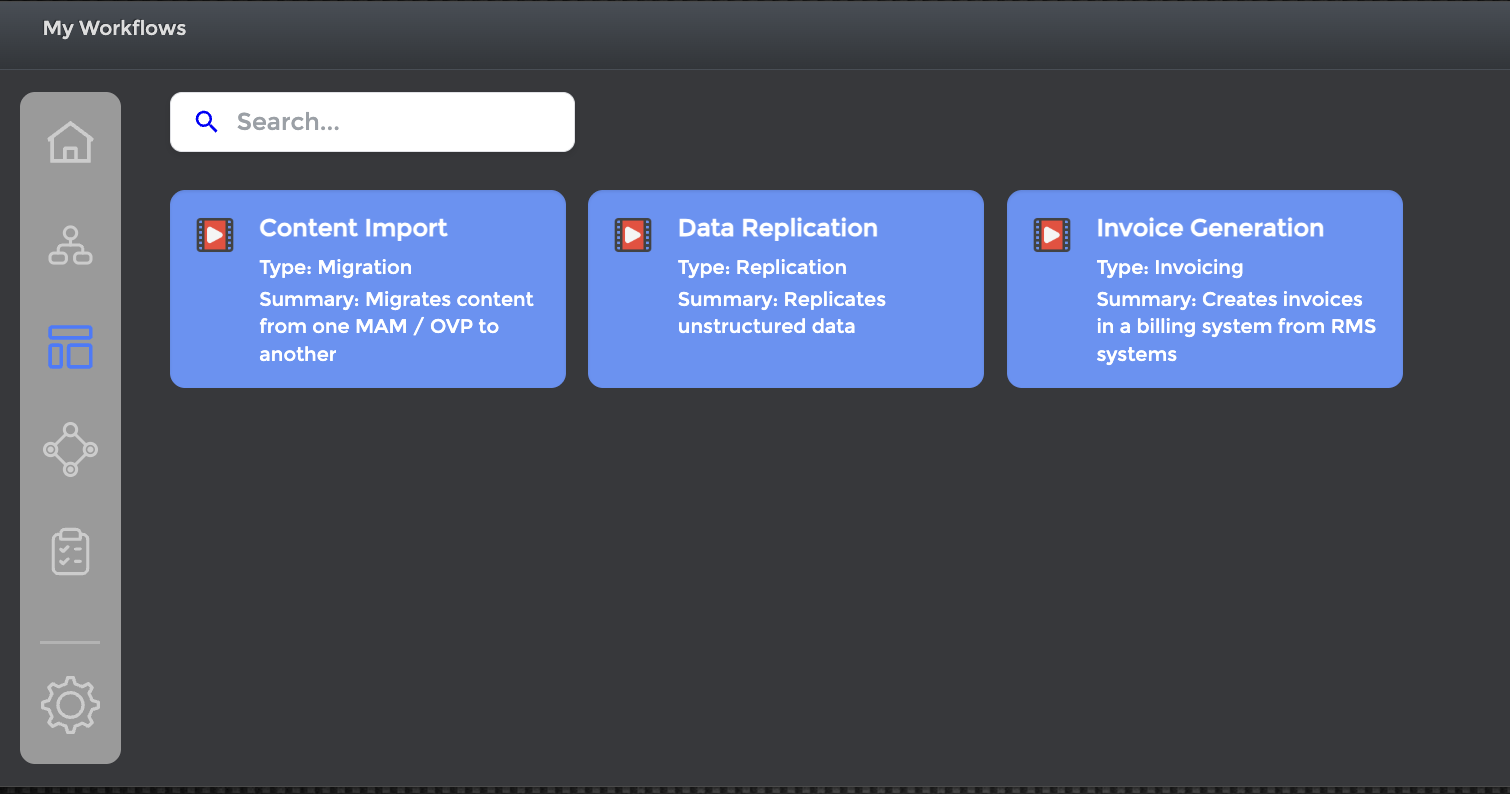
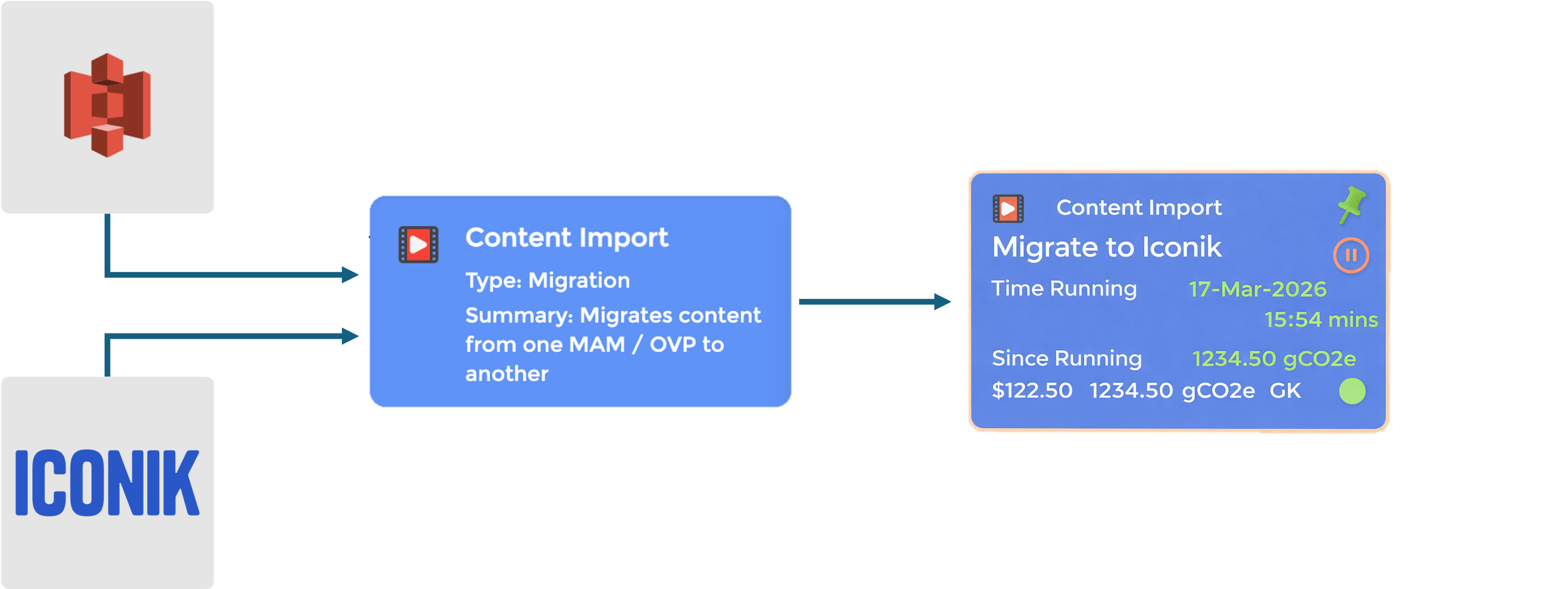
Skip the design phase entirely.
Choose from a growing library of templates for common use cases including content import, migration, replication, provisioning and AI indexing.Each template contains the full workflow logic — ready to run.
Orchestrate across your entire ecosystem.
From MAMs and storage to AI engines and compute — Connect enables workflows across any combination of systems.
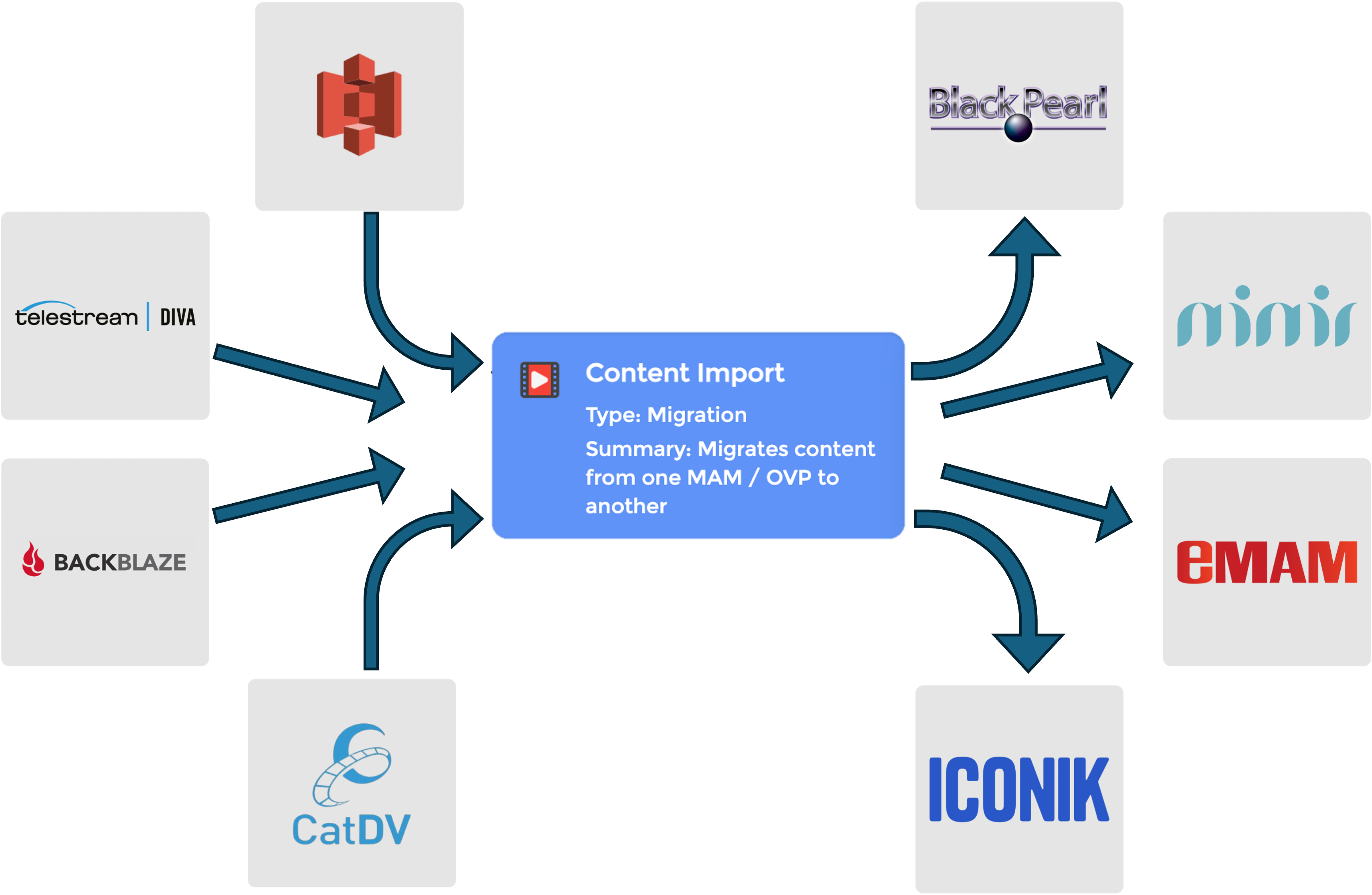

Simple on the surface. Powerful underneath.
The Connect Widget uses the full Cubix Taskflow engine — meaning enterprise-grade orchestration, scalability and flexibility are always there when you need them.
Cubix Connect has always provided a powerful, low-code workflow engine. The Connect Widget builds on that foundation — removing the need to design workflows from scratch.
Instead, Ortana provides a growing library of workflow templates, allowing you to:
- Connect technologies in seconds
- Select a pre-built template
- Run production-ready jobs instantly
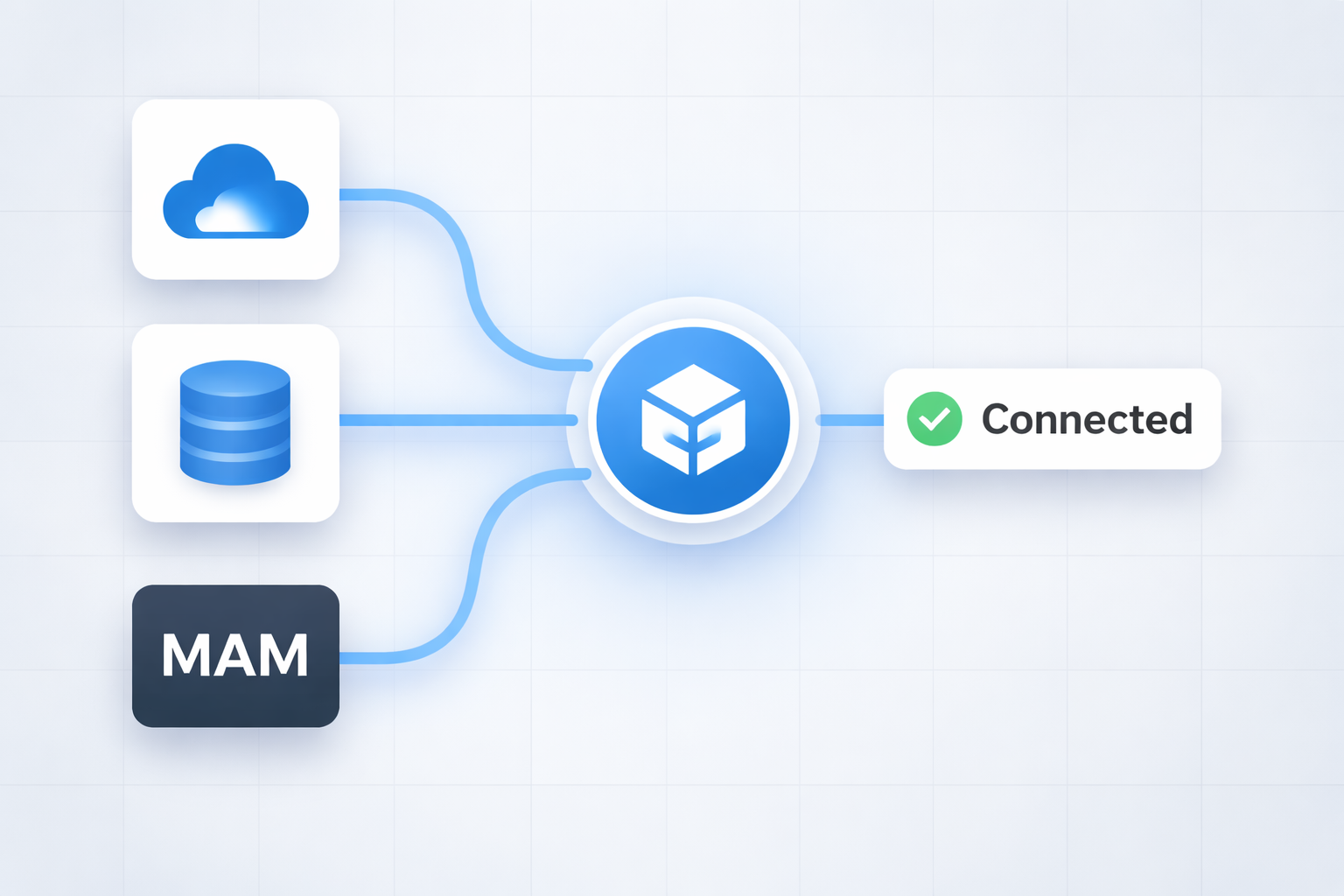
With over 160 integrations, the hard work is done for you.
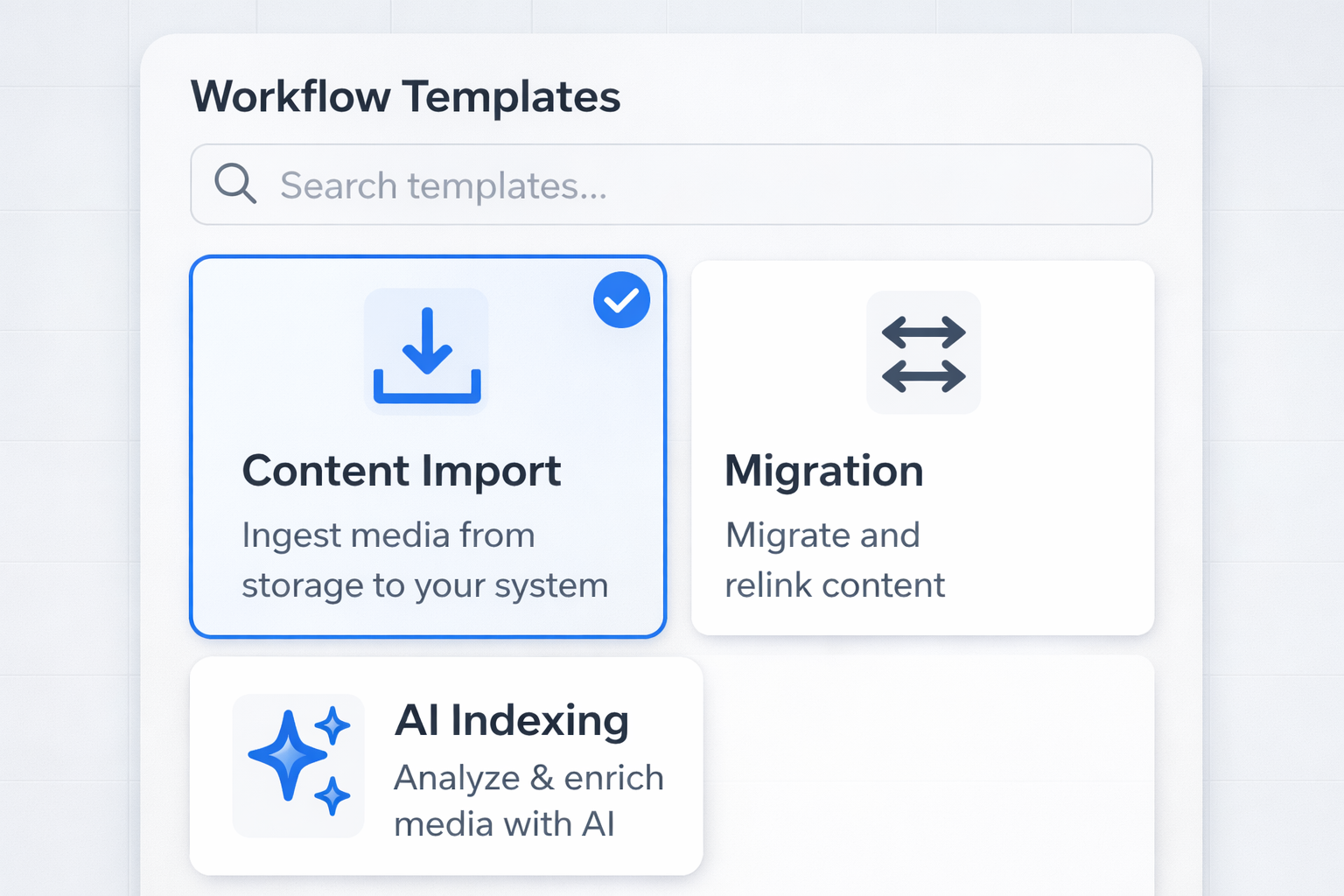
Choose from our growing list of workflow templates so you can spend time on other tasks, like adding to your rubber band ball
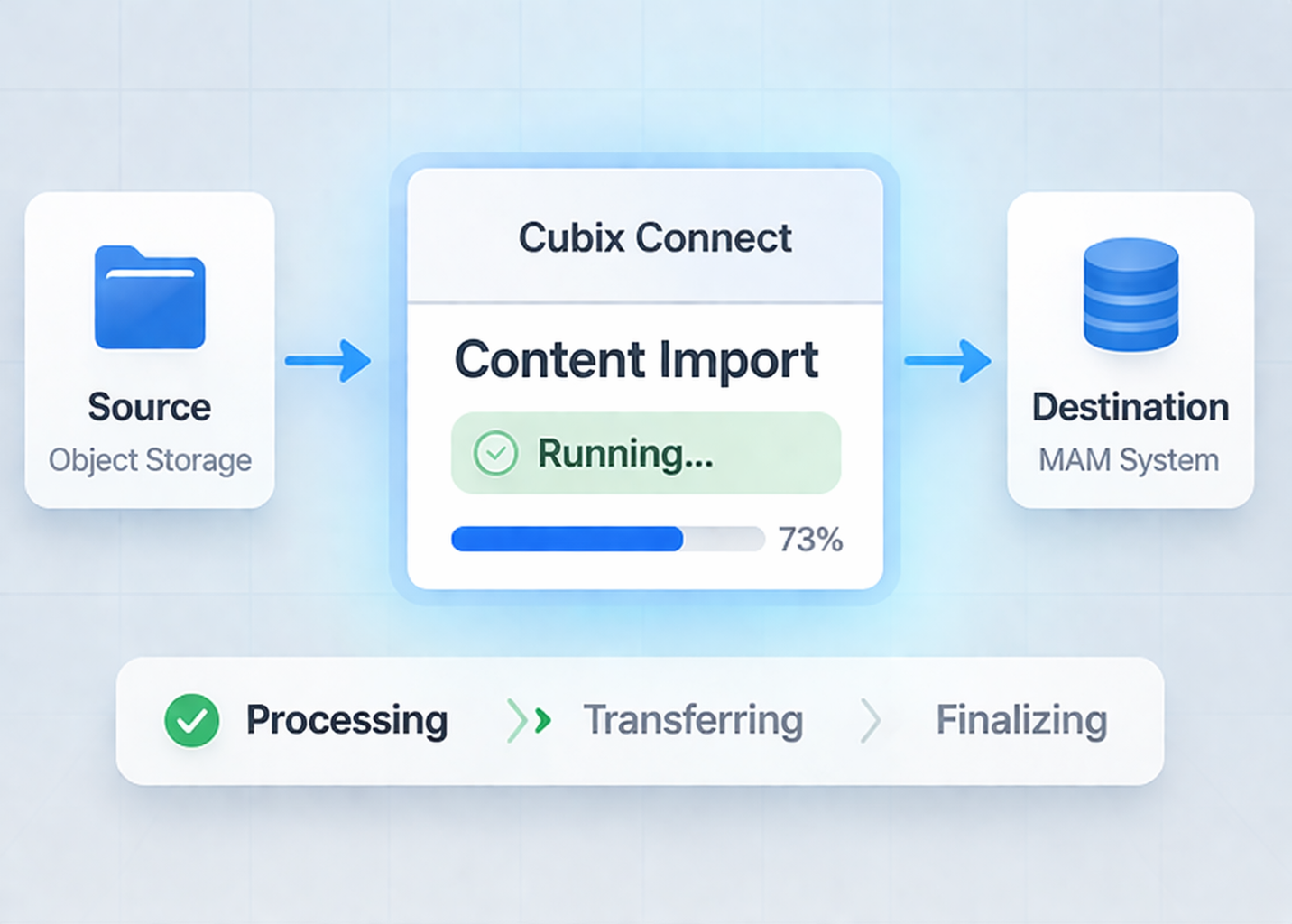
Your workflow is ready to run. Production ready jobs, started instantly.